
Udhëzuesi i mësuesit
Fillimi
Mësoni si të krijoni klasa, të menaxhoni nxënës, të lidhni prindër dhe të ngarkoni punime artistike brenda ArtClass.
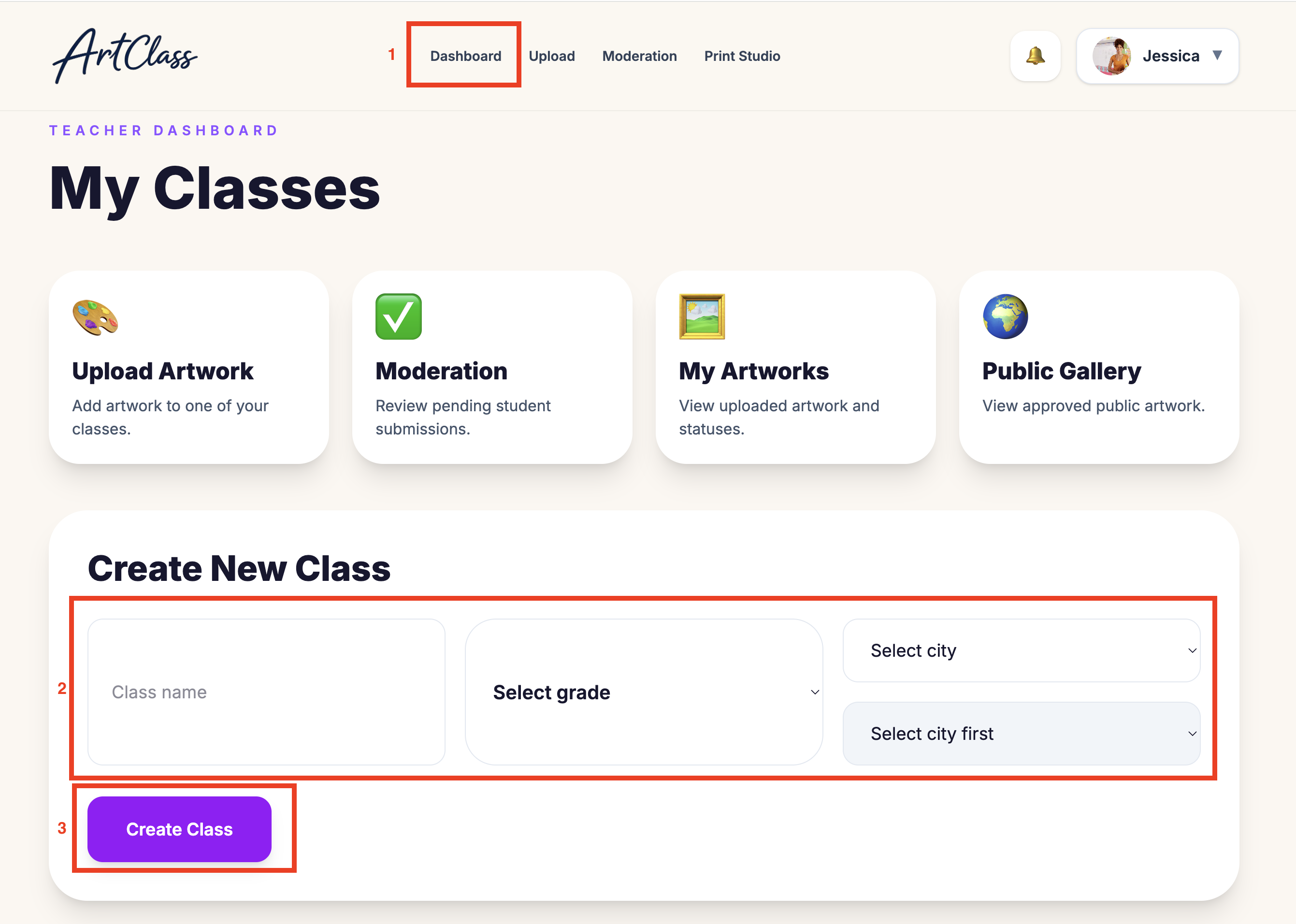
Krijo një klasë të re
Krijoni dhe organizoni klasa për nxënësit tuaj.
Hap pas hapi
Shko te paneli
Kliko “Shto klasë”
Shkruaj emrin e klasës
Zgjidh klasën
Kliko Ruaj
Këshilla për mësuesit
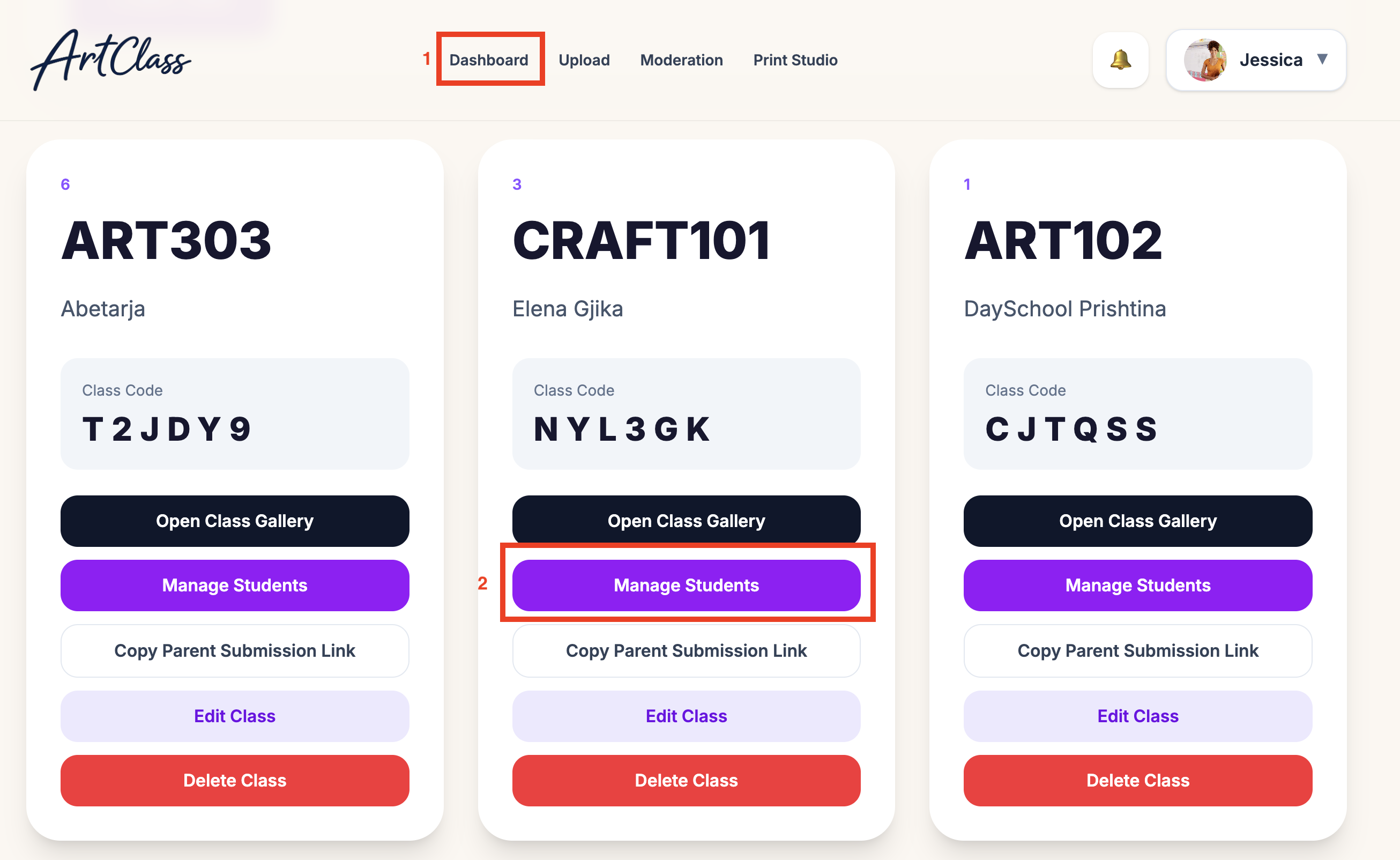
Shto dhe menaxho nxënës
Shtoni nxënës dhe menaxhoni portofolin e tyre të punimeve artistike.
Hap pas hapi
Hap një klasë
Kliko “Shto nxënës”
Shkruaj emrin e nxënësit
Shto email opsional të prindit
Ruaj nxënësin
Këshilla për mësuesit
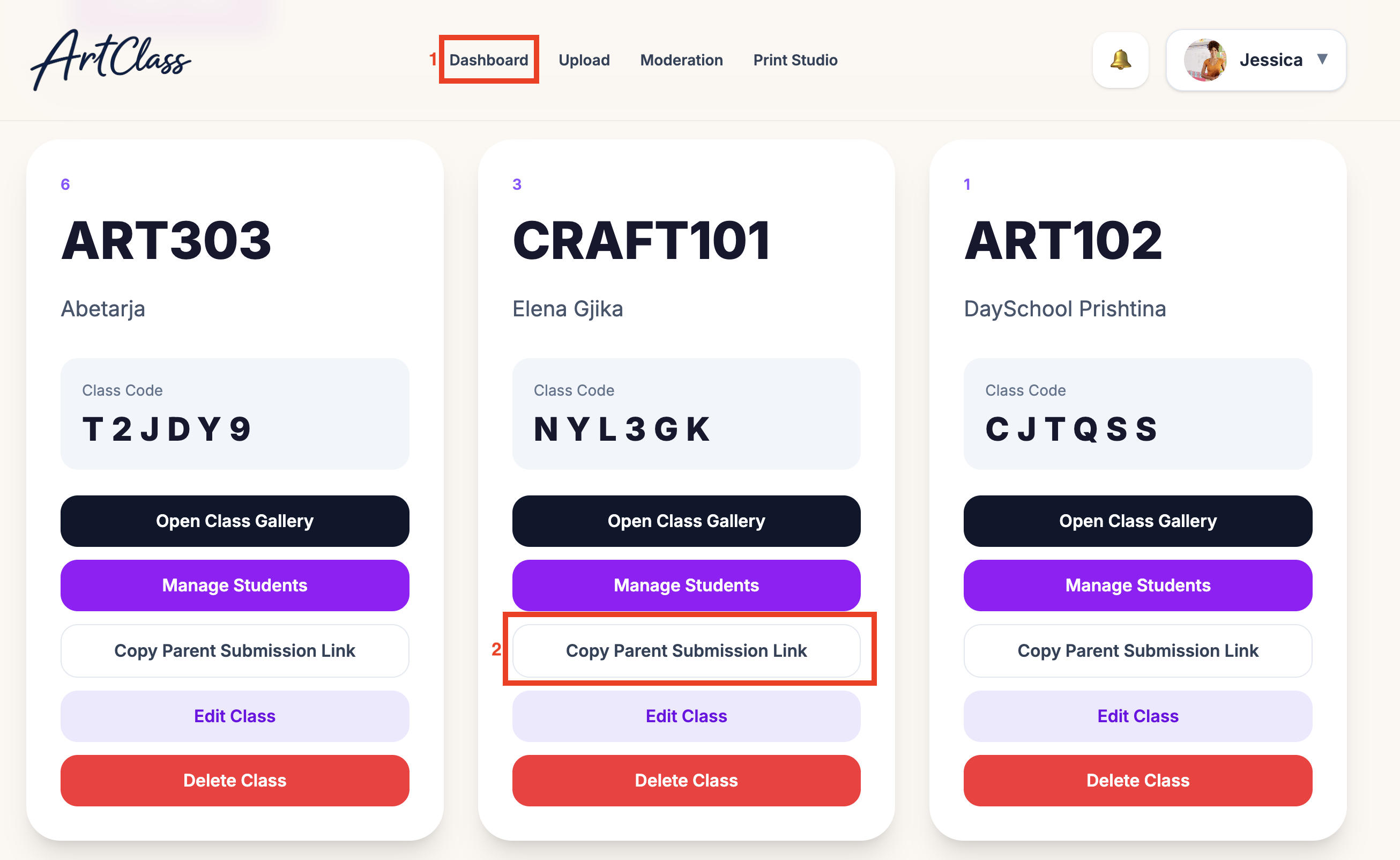
Lidh prindërit me nxënësit
Ftoni prindërit që të shohin punimet artistike dhe të porosisin dhurata.
Hap pas hapi
Hap profilin e nxënësit
Kliko “Fto prindin”
Shkruaj email-in e prindit
Dërgo ftesën
Llogaria e prindit lidhet automatikisht
Këshilla për mësuesit
Ngarko Punim
Ngarkoni punimet artistike të nxënësve për moderim dhe printim.
Hap pas hapi
Hap profilin e nxënësit
Kliko “Ngarko punim artistik”
Ngarko imazh ose foto
Shto titullin e punimit artistik
Dërgo punimin artistik
Këshilla për mësuesit
